Use the app
Documents and plugins
Bring the evidence you already keep into SwiftCNS by uploading files or importing from Google Drive, GitLab, Jira and Confluence, then use it in a conversation.
Before you start
- Editor access to the project. Viewers can read documents but can't add them.
- For plugins: the Team or Programs & Studios plan (Plans and usage), and your own account in the tool you're connecting.
Steps
Upload a document
Open the project's Documents page and choose Upload. SwiftCNS accepts PDF, TXT, MD, CSV, LOG, HTML, XML and CSS files up to 10 MB each. Each document shows where it came from: Upload, MCP, Connected app or Generated in SwiftCNS.
To log tracker rows from a spreadsheet, don't upload it here: use Import CSV file in the tracker (Track experiments).
Connect a plugin
Open Plugins from the sidebar and choose Connect on Google Drive, GitLab or Atlassian (Jira and Confluence). Sign in to that tool with your own account, then choose Add to project for the projects that should use it.
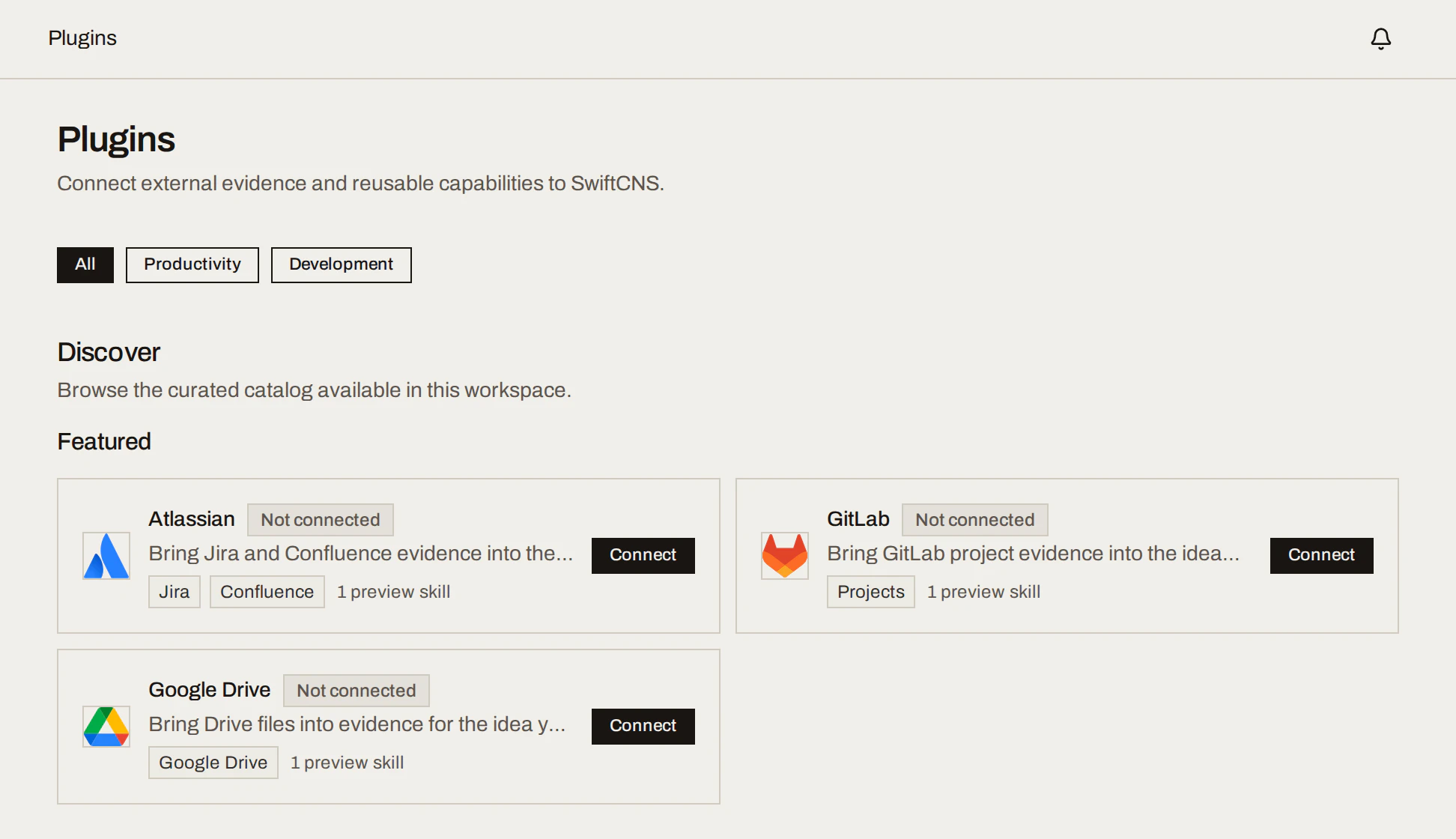
The connection is yours: teammates connect their own accounts. Google Drive asks for read access to your Drive files; SwiftCNS only searches and reads, and never writes back (Security and data).
Import what matters
Choose Browse, open folders or search, select the items you need and choose Import. Imported items become project documents that everyone on the project can use.
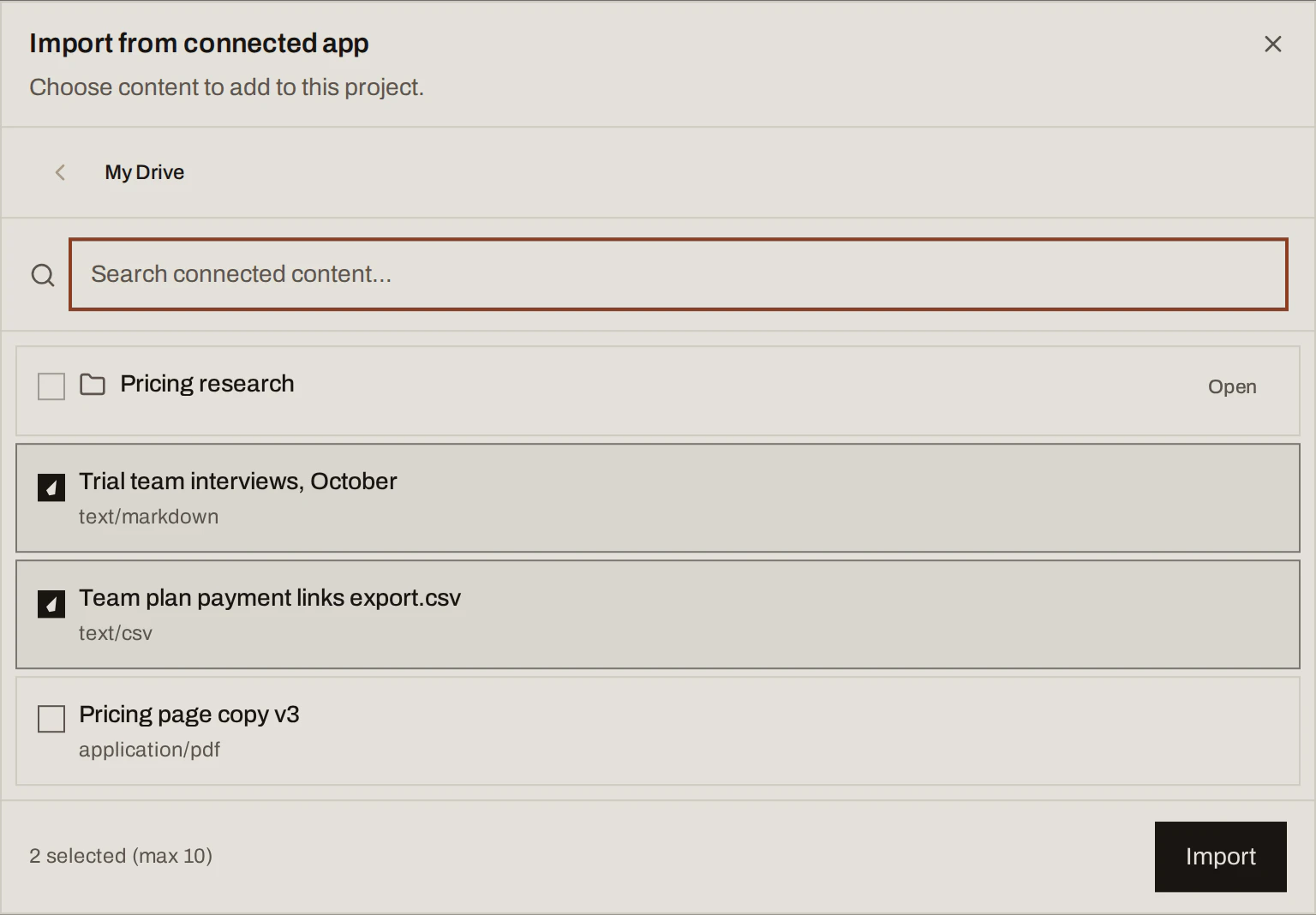
Sample data Use it in a conversation
In a conversation, open Context and choose Add sources: Project sources lists documents already in the project, and Apps browses a connected tool (Import & attach). The + menu in the message box does the same with Upload files and Add project context. Cite a source in chat with @.
You can also ask without attaching first, for example "Browse my Google Drive for evidence about our pilot". Results only become project documents when you import or attach them.
Disconnect
Open the plugin under Plugins and disconnect it. Documents already imported into projects remain available.
What you get
For the running example, that would mean importing the trial team interviews and the payment links export from Drive as project documents. They give SwiftCNS context, while the 15 tracker rows decide whether the success criteria were met.
Done when
- The documents your team argues from are in the project, not only in someone's Drive.
- Each conversation has the sources it needs attached.
Common mistakes
- Importing a whole folder "just in case". Bring what bears on the idea you're testing; extra sources make drafts vaguer.
- Treating a document as evidence for the result. Log what you observed in the tracker. Documents give context.
For agents: MCP tools and gotchas
import_documenttakes a public HTTPS URL. For a local file, usebegin_document_upload, upload, thencomplete_document_upload.attach_sources_to_conversationattaches 1 to 50 sources. Plugin connections can't be made over MCP; send the user to Plugins.